Follow the steps below to listen to our coaching calls as audio only:
- Open the Trinity website on a web browser on your phone e.g. Chrome, Safari, Microsoft Edge (NOT via the shortcut on your phone’s home screen) and log in
- Go to the Coaching Call Recordings page (via the “More” section) and play the coaching call you want to listen to
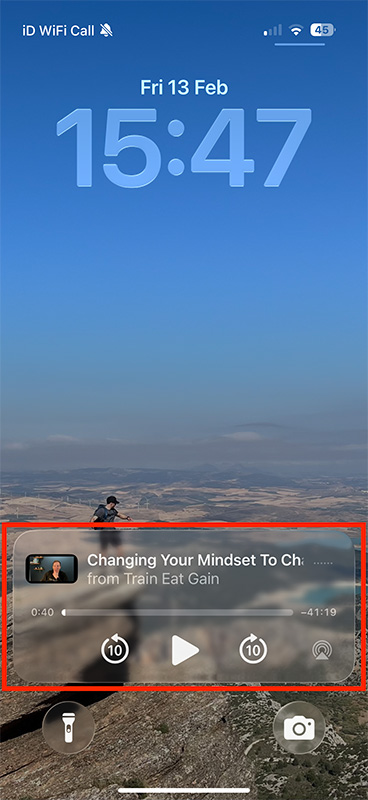
- Lock your phone – it should now give you the option to play the coaching call as audio only (this works on iPhone using the Chrome browser)
See below for an example: